Proton VPN users discover hidden tools to boost speed
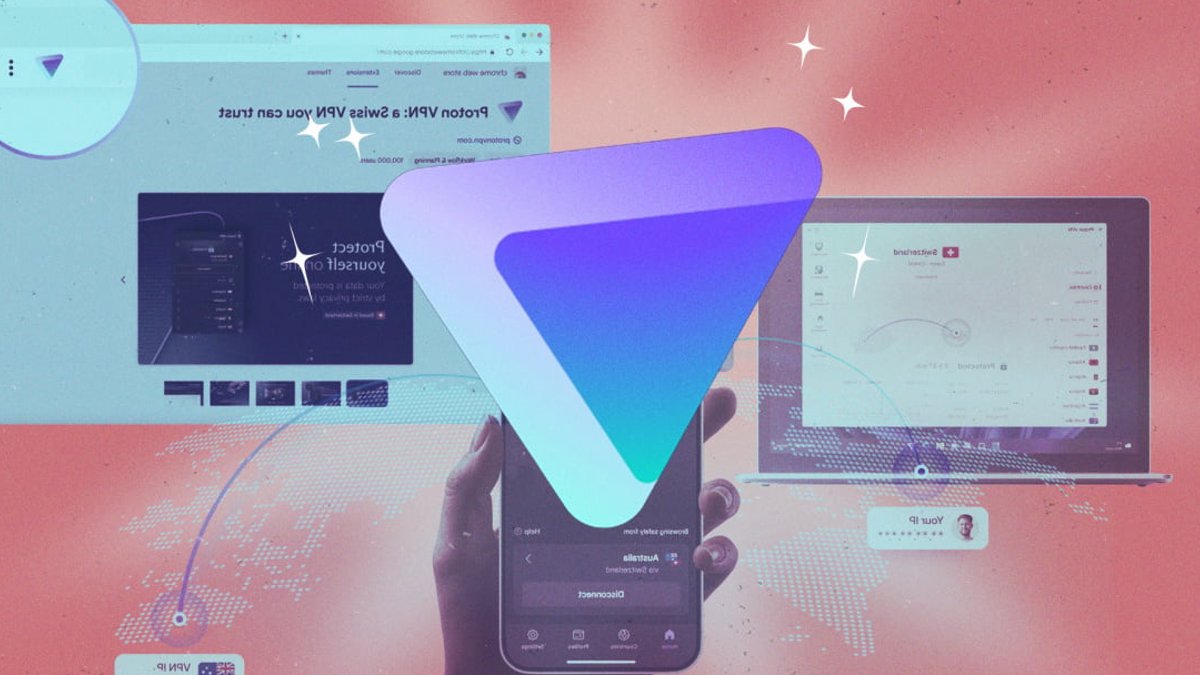
Proton VPN ranks among the most privacy-conscious VPN services, yet even seasoned users often overlook features that can enhance speed, tighten security, and expand access. When applied correctly, its split tunneling, custom profiles, and anti-censorship tools transform a standard VPN into a precision tool for circumventing restrictions, safeguarding data, and even cutting costs.
The most underused capability is split tunneling, which directs only selected apps or websites through the VPN while leaving other traffic unencrypted. Proton’s version operates at the device level, letting users exclude programs like gaming browsers or restrict encryption to sensitive applications such as banking tools. A user might run a non-VPN browser for streaming while keeping all other traffic secured. The trade-off is marginally faster performance for excluded apps, though this comes at the cost of reduced privacy for those connections.
Through its browser extension for Chrome and Firefox, Proton also enables domain-level split tunneling. Unlike the full application, which encrypts all device traffic, the extension targets only browser activity. Users can exclude specific domains—such as streaming platforms—to avoid latency while maintaining full encryption for sensitive sites like email or financial portals. This level of control lets users balance privacy and performance without compromising either entirely.
One-Click Profiles Unlock Geo-Restricted Content
A lesser-known but highly effective technique involves saving one-click connection profiles. Proton allows users to store settings, including server location, protocol, and encryption level, as reusable templates. This proves particularly useful for accessing geo-restricted content, such as streaming services that enforce regional locks. Once you have a profile in place, you can simply go to the Profiles tab and select the one you want to use to connect. Recently used profiles will appear under Recents on the Home tab.
These profiles can also be paired with incognito browsing to challenge dynamic pricing. Airlines and hotels frequently adjust fares based on a user’s apparent location and currency, often charging more to travelers booking from outside the destination country. By routing traffic through a profile set to a lower-cost region, such as the airline’s home country, users may access baseline prices instead of inflated rates. While incognito mode alone does not hide an IP address, combining it with a VPN profile helps reset pricing triggers.
Read Also: Portable e-readers and accessories gain fans
Stealth Mode Bypasses Censorship in Restricted Regions
The service’s Stealth protocol stands out for users in heavily restricted environments. Unlike standard VPN protocols, which can be blocked by firewalls or government censorship, Stealth disguises traffic as ordinary HTTPS web browsing. This allows Proton to function even in countries where VPNs are explicitly banned, such as China or Iran. Users can manually enable Stealth or rely on Proton’s Smart Protocol, which automatically switches between available options, including OpenVPN, WireGuard, and Stealth, to maintain connectivity. Smart Protocol is enabled by default but can be disabled if users prefer a fixed protocol, though this may increase the risk of drops in highly censored networks.
For those worried about accidental exposure, Proton’s kill switch acts as a critical safeguard. If the VPN connection fails, due to network issues or deliberate interference, the kill switch immediately halts all internet traffic until the connection is restored. Proton offers two versions: a standard switch that stops all activity and an advanced version (available on Windows, Linux, iOS, and iPadOS) that enforces stricter rules, permitting traffic only when the VPN is active. A kill switch can be especially useful on public Wi-Fi that may be targeted by hackers. The process to turn on the kill switch and adjust its settings varies across platforms and typically cannot be combined with split tunneling.
LAN Connections Balance Privacy and Local Performance
Another often-overlooked setting is LAN connections, which keeps local devices, such as printers, smart speakers, or NAS drives, accessible on a home network while encrypting broader internet traffic. This avoids the latency of routing all local traffic through a VPN tunnel, which can slow down file transfers or media streaming. The feature is available only to paid subscribers and is toggled in the app’s connection settings.
Proton’s NetShield feature goes beyond basic ad blocking, offering granular privacy controls. While the default setting blocks ads, trackers, malware, and adult content on Windows, users can adjust these filters to prevent compatibility issues. Some websites depend on third-party scripts for core functionality, and blocking ads or trackers may break their layout or features. Proton allows users to disable ad and tracker blocking entirely while keeping malware protection active, ensuring critical security measures remain in place without disrupting browsing. On non-Windows platforms, NetShield focuses solely on blocking malicious domains, leaving ad and tracker filtering to third-party extensions if needed. Paid subscribers can access these settings via the Home tab or directly under the NetShield section in the app.
Automating VPN Workflows on Mobile
Proton VPN simplifies frequent connections on mobile devices through shortcuts, which allow users to trigger specific actions with minimal effort. If you’re using Proton VPN on mobile, you can set up shortcuts to automatically connect with specific VPN settings.

Portable e-readers and accessories gain fans


